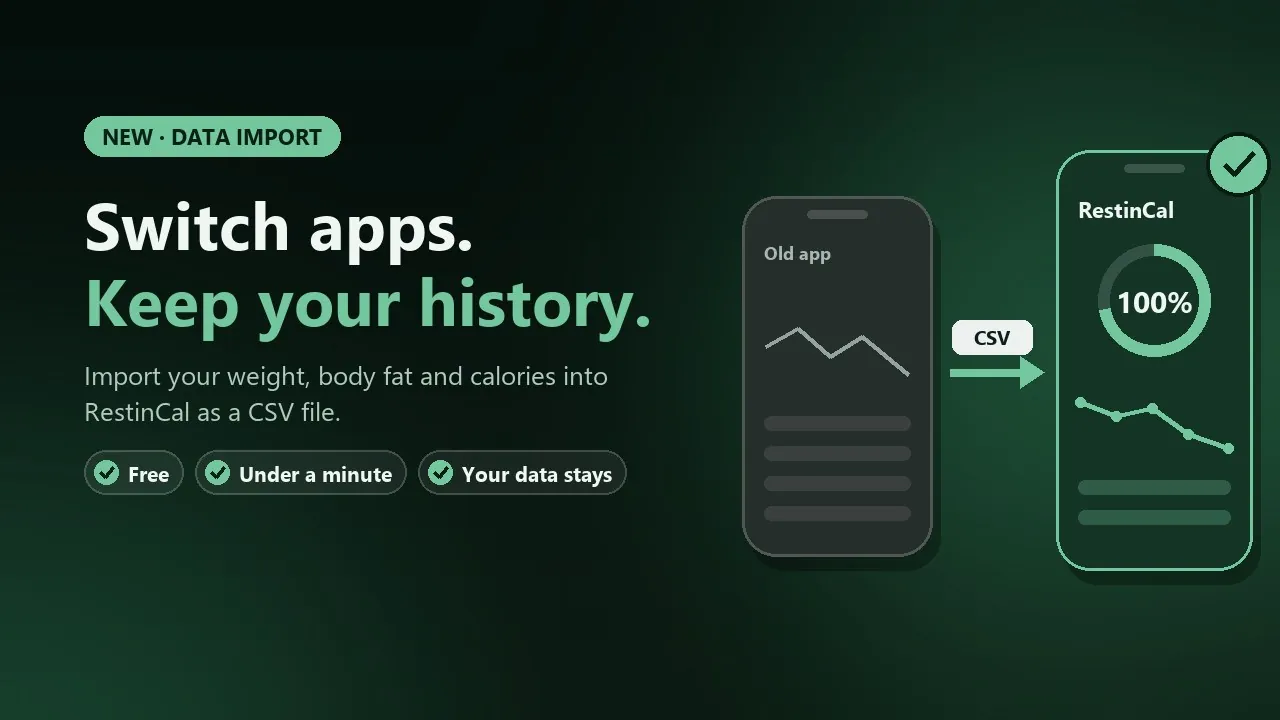
Switching calorie apps but don't want to lose your weight history? You can import your weight, body fat percentage and daily calories into RestinCal from another app as a CSV file. This article shows step by step how to move your data, what happens during the import and what to check.
The import is free and usually takes less than a minute. The file is processed on your own device, and RestinCal only saves the daily totals.
What data can you import?
You can import three things into RestinCal:
- Weight per day (in kilograms or pounds; pounds are converted to kilograms)
- Body fat percentage, if your old app or scale measured it
- Daily calories as one total
Macros (protein, carbs, fat), vitamins and minerals are not imported. If your old app has each meal on its own row, RestinCal adds up the calories for each day.
Step 1: export your data from the old app
Most calorie, weight and health apps let you export your data as a CSV file (a table you can also open in Excel). The option is usually in the settings and called Export, Export data or Download your data. The menu name and location vary by app.
- Calorie apps (e.g. MyFitnessPal, Cronometer, Lose It!): export your nutrition and weight data as CSV. Some apps only offer the export in their paid version.
- Smart scales and health apps (e.g. Withings, Garmin Connect, Samsung Health, Fitbit): export your weight and body composition data as CSV.
- Your own spreadsheet: if you have tracked your weight in Excel or Google Sheets, save the sheet as CSV. The first row must contain the column names, for example Date, Weight, Body fat, Calories.
If the app gives you a zip file, unzip it and look for a file with a name containing e.g. weight, measurement, body or nutrition.
Step 2: import the file into RestinCal
- Sign in to RestinCal and open Settings.
- Find Import data from another app and choose your CSV file.
- Check the columns. RestinCal usually recognises the date, weight, body fat and calories by itself. If something is wrong, change the column from the menu. If your weight is in pounds, tick lb.
- Check the date format. In the day-first format the day comes first (31/1/2026), in the US format the month comes first (1/31/2026). If the dates in the preview look odd, switch the format.
- Read the preview: how many days will be imported, the date range and how many rows were skipped.
- Press Import. Done.
What happens after the import?
- Weights and body fat appear in the weight tracker charts. Choose All in the chart to see your whole history at once.
- Calories appear in the weekly summary, the calorie chart and the food diary. An imported day is labelled Imported from another app, because it has no macros.
- Your own data wins. If RestinCal already has a weight for the same day, it is not replaced unless you choose to replace it. If you log foods for a day, they are shown instead of the imported total.
- Your history is kept. Your data builds up for as long as you use RestinCal, and older history is never trimmed away.
If the import does not work
- "No rows found in the file": make sure the file is CSV and not, for example, an Excel xlsx file. In Excel, choose Save as → CSV.
- The preview shows 0 days: the date column is probably wrong, or all rows are before 1 January 2026.
- The weights are far too high: your weight is in pounds. Tick lb.
- The calories are too high: check that the calorie column is not, for example, calories burned or your goal.
- The file is too large: the maximum size is 5 MB. Limit the export in your old app if you can.
Privacy
The file is read and processed in your own browser only. It is not uploaded to a server and it is not stored. RestinCal only saves the daily totals you import, and only you can see them. You can delete all your data at any time by deleting your account in the settings. Read more in the privacy policy.
Frequently asked questions
Can I move my data from MyFitnessPal to RestinCal?
Yes, if you can export your data from MyFitnessPal as a CSV file. Import the file in RestinCal's settings. Your weight and daily calories are transferred, your macros are not.
Why can data only be imported from 1 January 2026?
The import is limited to data from 1 January 2026 onwards. Older rows are skipped, and the preview tells you how many rows were left out.
Does the import replace data already in RestinCal?
Not by default. Your own weights are kept unless you choose to replace them, and your own food entries are always shown instead of imported calories.
Can I import data more than once?
Yes. If you import the same day again, the new import updates the imported value.
Does the import cost anything?
No. Importing data, the food diary and weight tracking are free in RestinCal.
Sources and further reading
Checked on 6 October 2026